
Hardware
Collect hardware inventory information.
VISINVOKE utility. Diagnostic inventory.
Diagnostic Collector brings rapid hardware, software and system-health inventory collection into your VISINVOKE desktop workspace.
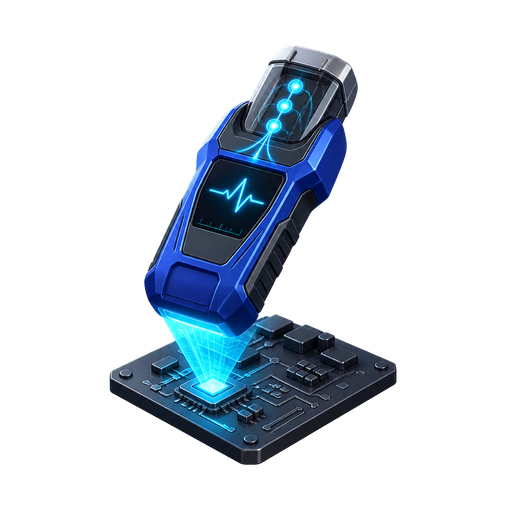
Inventory collection with a clear purpose
Keep the information you need in view.
Collect hardware inventory information.
Collect software inventory information.
Collect system-health inventory information.
Rapid inventory collection is the product’s role.

Begin with the collection purpose
Consider the diagnostic information you need.
Diagnostic Collector has its own DCC Utilities identity.
The desktop-workspace illustration gives VISINVOKE context. It is not a Diagnostic Collector application screen.
A practical approach to inventory work
Bring a clear purpose to diagnostic inventory collection.
Consider the information you need for your diagnostic work.
Hardware, software and system health form the collection scope.
Focus the task on inventory collection.
Consider the inventory in the context of your work.
A focused inventory role
Keep the product’s collection purpose and desktop identity clear.
Collect hardware inventory information.
Collect software inventory information.
Collect system-health inventory information.
Rapid collection is the product’s stated purpose.
Bring inventory collection into your diagnostic work.
Diagnostic Collector is a VISINVOKE desktop utility.
Find its distinct card in the DCC Utilities catalogue.
Use a collector for inventory collection.
Three inventory perspectives
System health adds another perspective to inventory work.
Keep the computer’s hardware in view.
Keep its software context in view.
Include the system-health perspective.
Use inventory information to inform your work.
Keep the collection purpose in view
A clear question helps give inventory work direction.
What information are you looking for?
Which inventory perspective is relevant?
Review the collected inventory.
Consider how that information relates to your task.
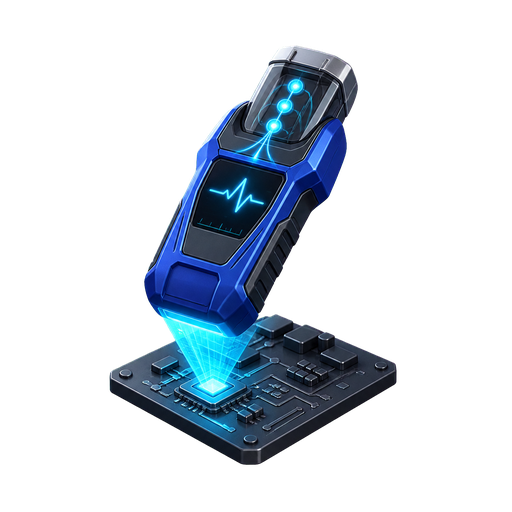
Keep inventory information in context
Collect hardware, software and system-health inventory information.
Review the information in the context of the task you are addressing.
The artwork is the existing Diagnostic Collector catalogue illustration, not an application screen or a diagnostic result.
A distinct inventory collection utility
Choose the product whose role matches your task.
Diagnostic Collector covers hardware, software and system health.
Advanced System Configurator has a separate purpose.
Backup Utility has its own purpose and access.
Desktop Command Centre organises VISINVOKE desktop products.
VISINVOKE account workspace
Keep account management and individual product access clear.
Create a free VISINVOKE account for your workspace.
Review product access information in your account.
Desktop Command Centre organises VISINVOKE desktop products.
Each utility has its own purpose and access.
VISINVOKE means value
Bring hardware, software and system health into one clear collection context.

Know the information you need.
Keep hardware inventory in view.
Keep software inventory in view.
Include the system-health perspective.
Explore your VISINVOKE workspace
Each card opens its own product website. Review purpose and access separately; related products do not promise included access or automatic synchronisation.

Explore your VISINVOKE desktop workspace.
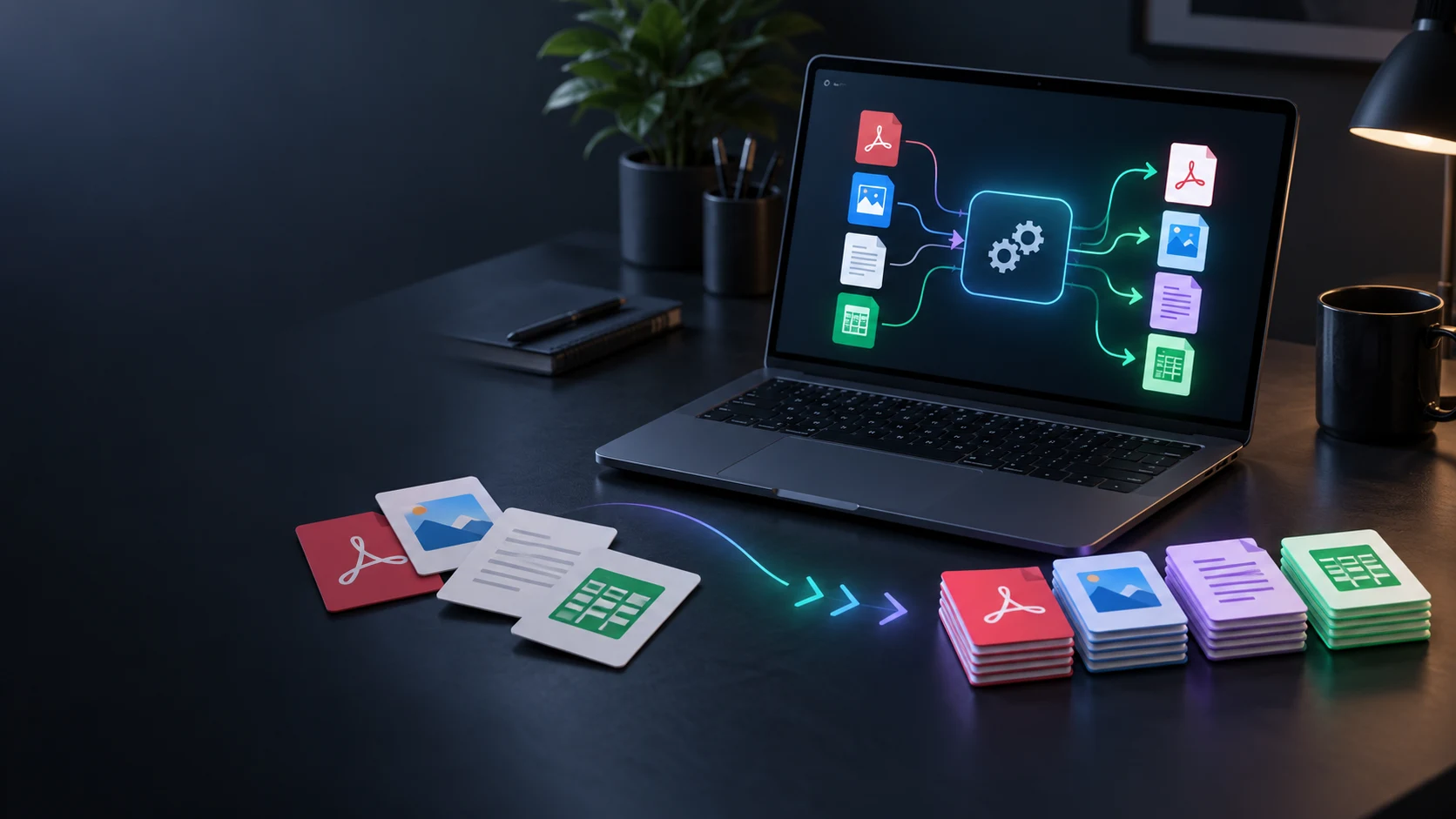
Convert supported files in a separate utility.
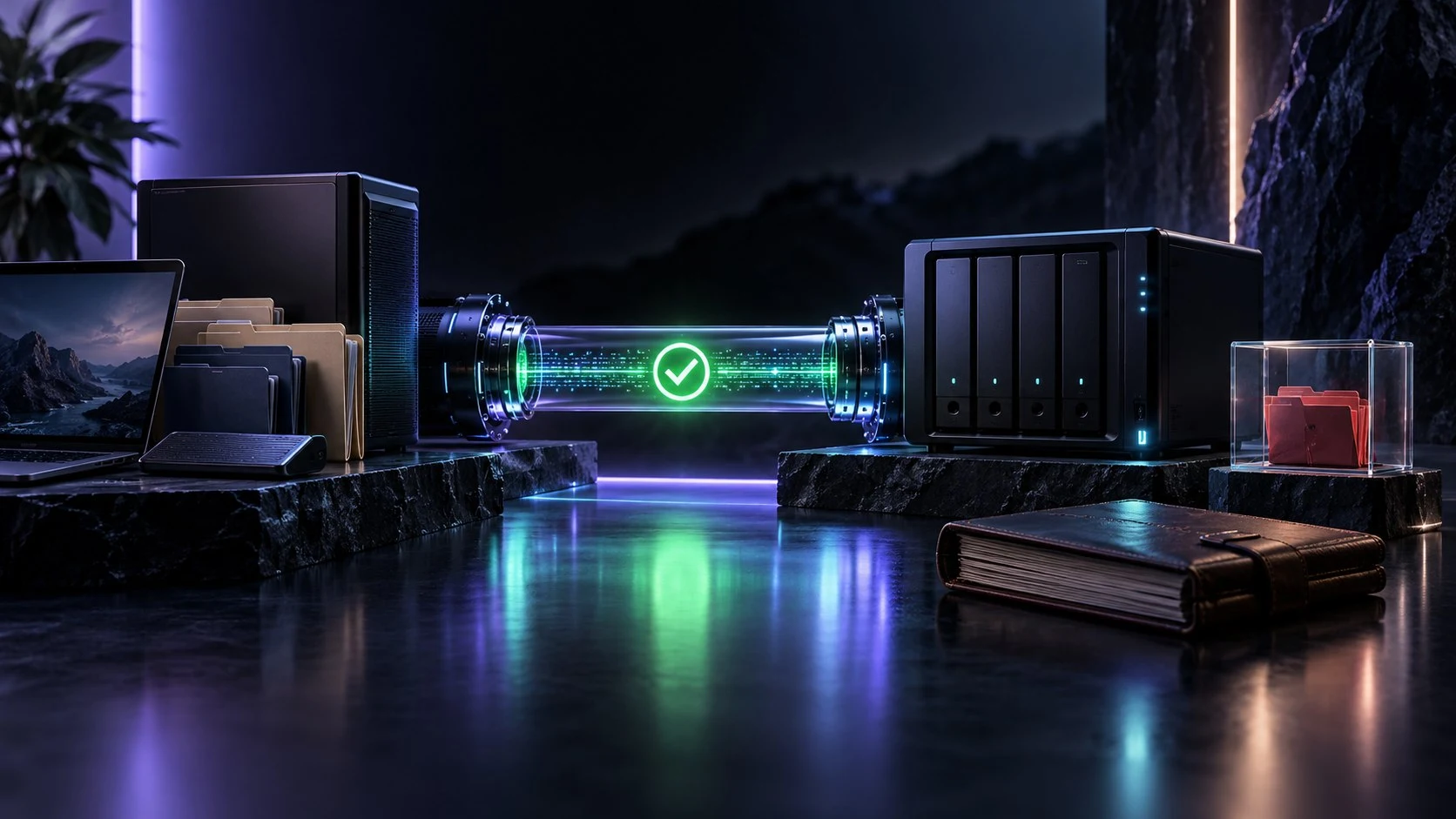
Manage separate backup work.
Work with PDF documents.
Work with image files.

Compose image layouts.
Product artwork is illustrative, not application screens or actual generated image output.
Quick answers
Understand its inventory collection role and desktop identity.
Diagnostic Collector is the VISINVOKE utility for rapid hardware, software and system-health inventory collection.
Its approved product description covers hardware, software and system-health inventory information.
Diagnostic Collector has its own card in the Desktop Command Centre Utilities catalogue.
No. Diagnostic Collector collects inventories. Advanced System Configurator is a separate Windows configuration utility.
Start with the inventory context you need, keep hardware, software and system health in view, and review the collected information for your work.
Use your VISINVOKE account for product access information. Creating a free account is separate from individual product access.
Continue in VISINVOKE
Create your free VISINVOKE account for account management.
Review product access information in your account.
Desktop Command Centre is the workspace for your VISINVOKE desktop products.